Say it while it’s on your mind
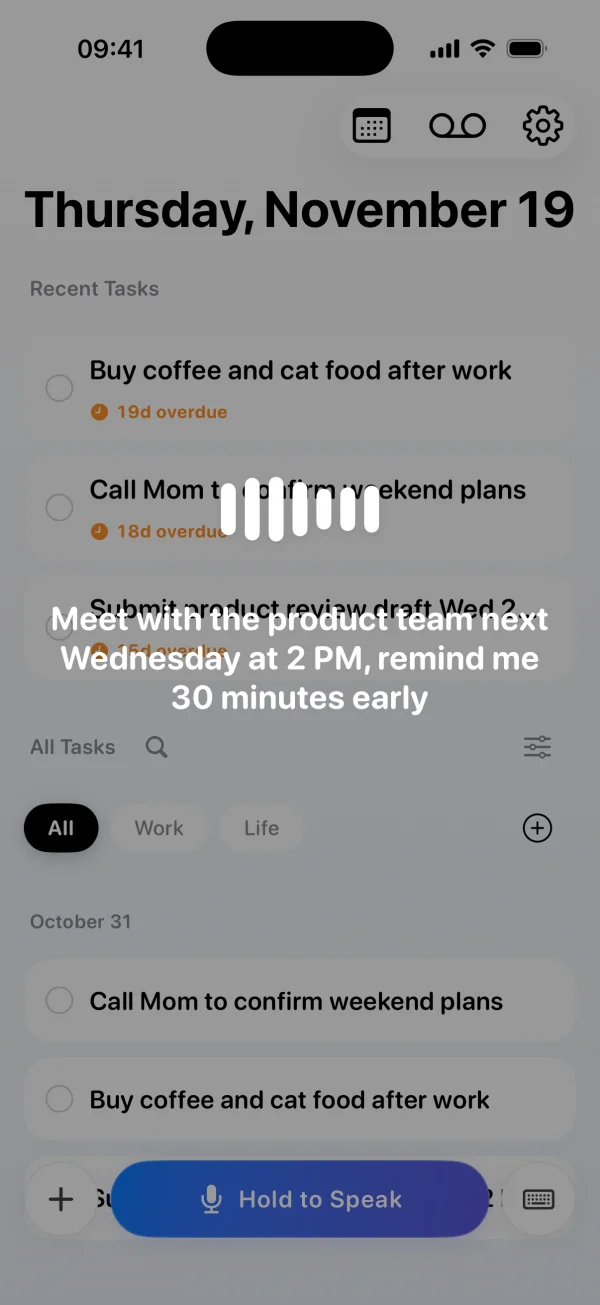
Hold to speak and say what you need to do and when. Tudo turns your words into a task and can remind you at the time you specify.
 Tudo
Voice reminders for iPhone
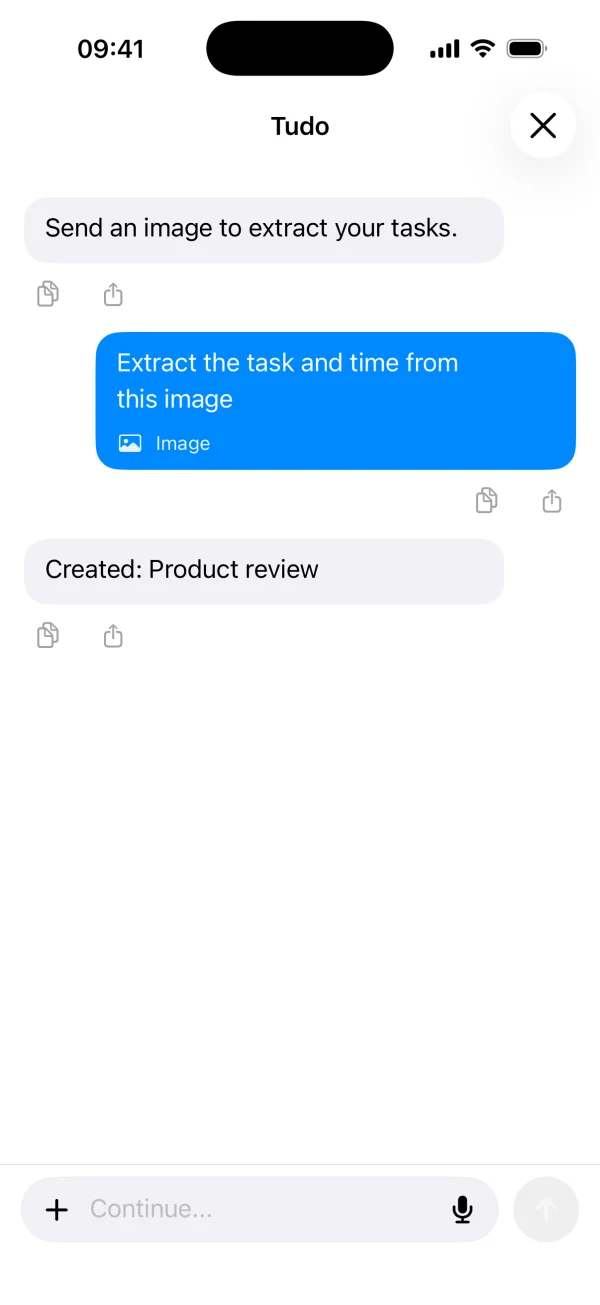
Say what you need to do or share a screenshot. Tudo turns it into reminders and tasks you can see on your iPhone.
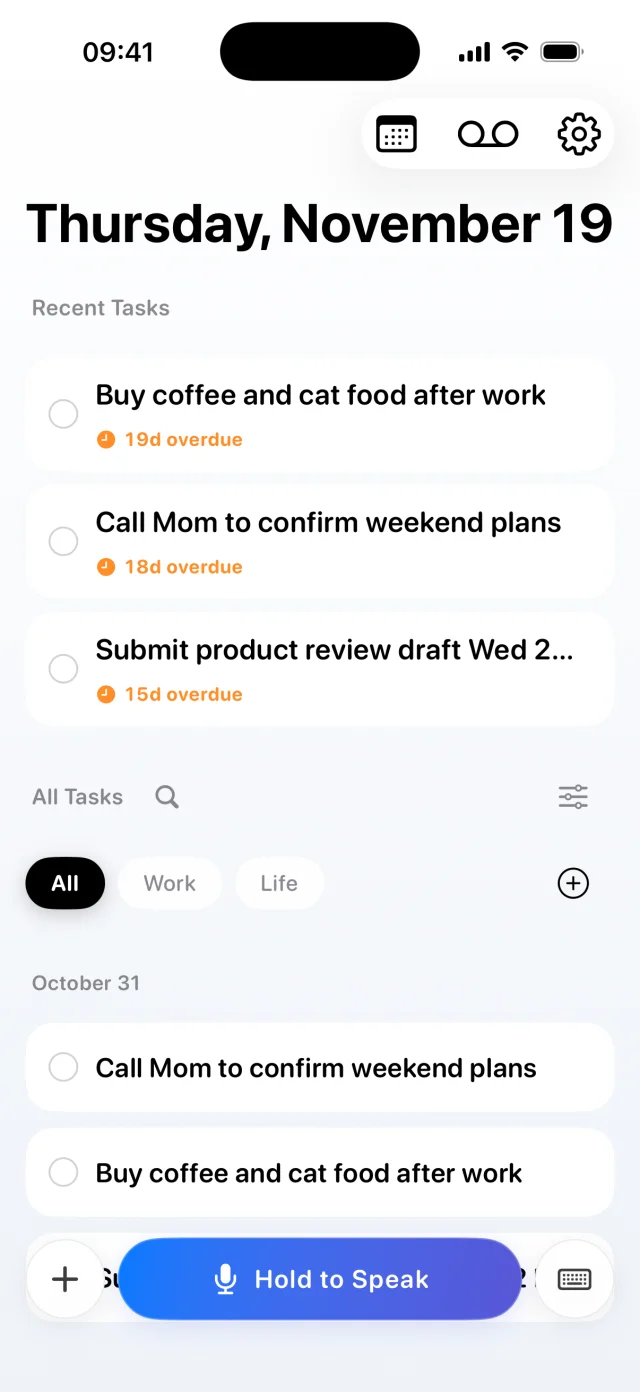
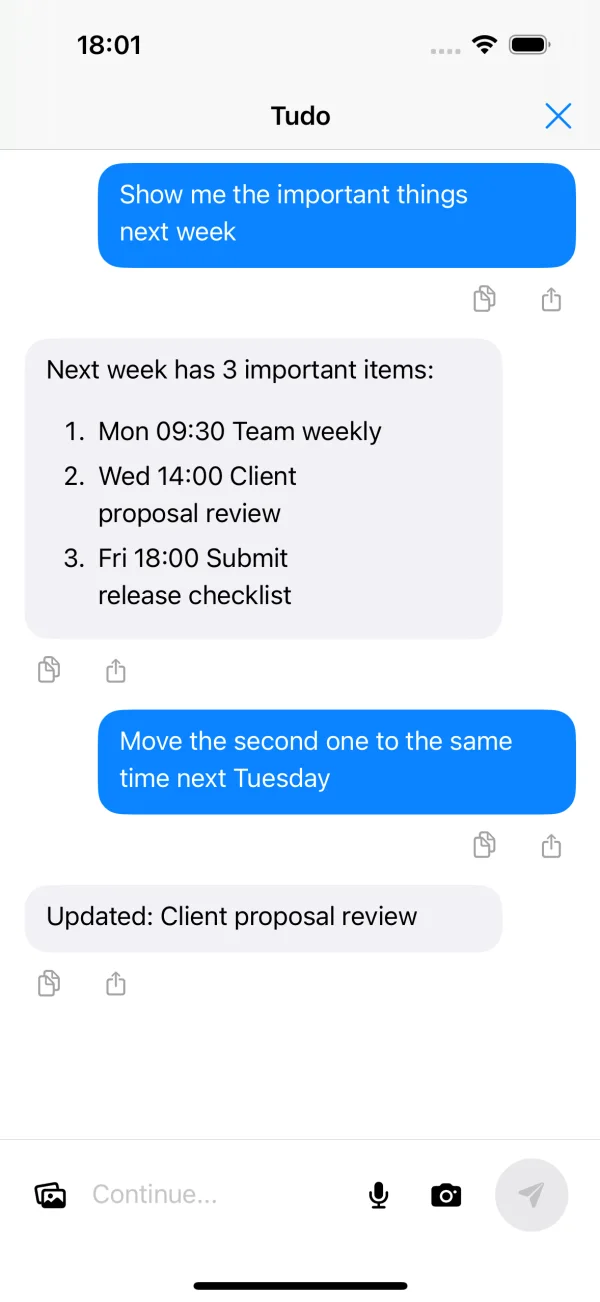
Hold to speak and say what you need to do and when. Tudo turns your words into a task and can remind you at the time you specify.
Share a screenshot or photo to Tudo to pull out an action item and any date or time it mentions.
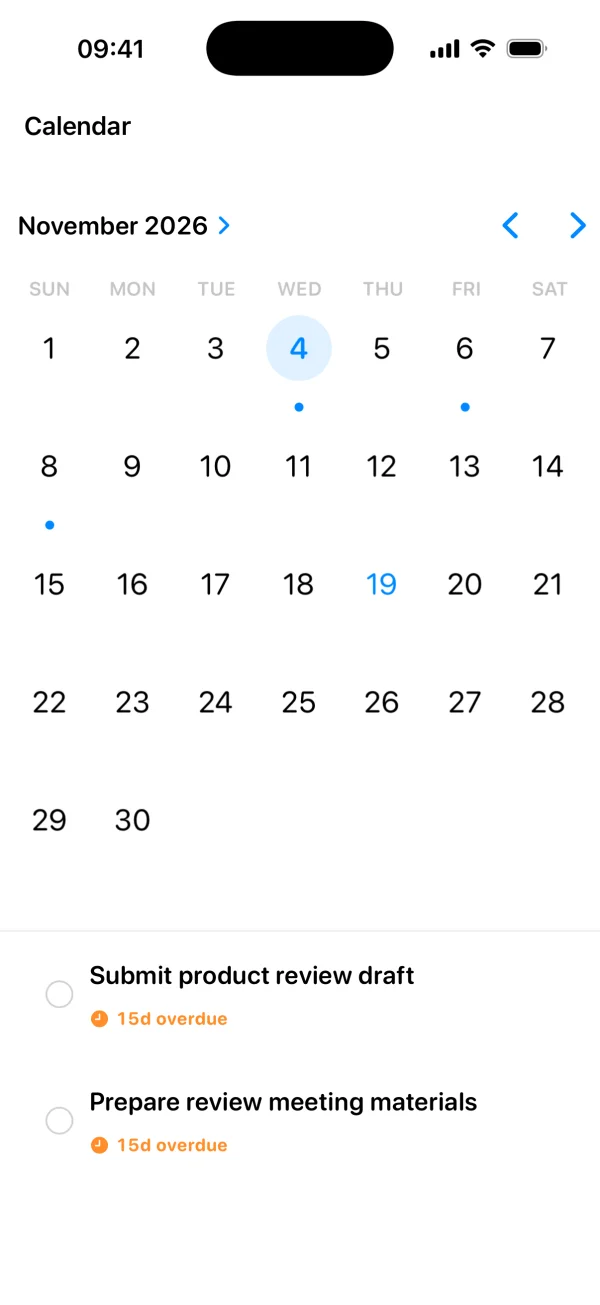
See upcoming tasks in a list or on the calendar. Use reminders for the things you want to get back to on time.
Install Tudo on your iPhone and try your first voice reminder.
Open Tudo and hold the microphone button. Say what you need to do and when you want to be reminded. Release the button and review the resulting task. Allow notifications so Tudo can alert you.
Yes. Type a task in Tudo, share a photo or screenshot, or use the text and image actions in Apple Shortcuts.